
Payment Status
View payment status for your enrolled classes and track fee payments
Payment Status
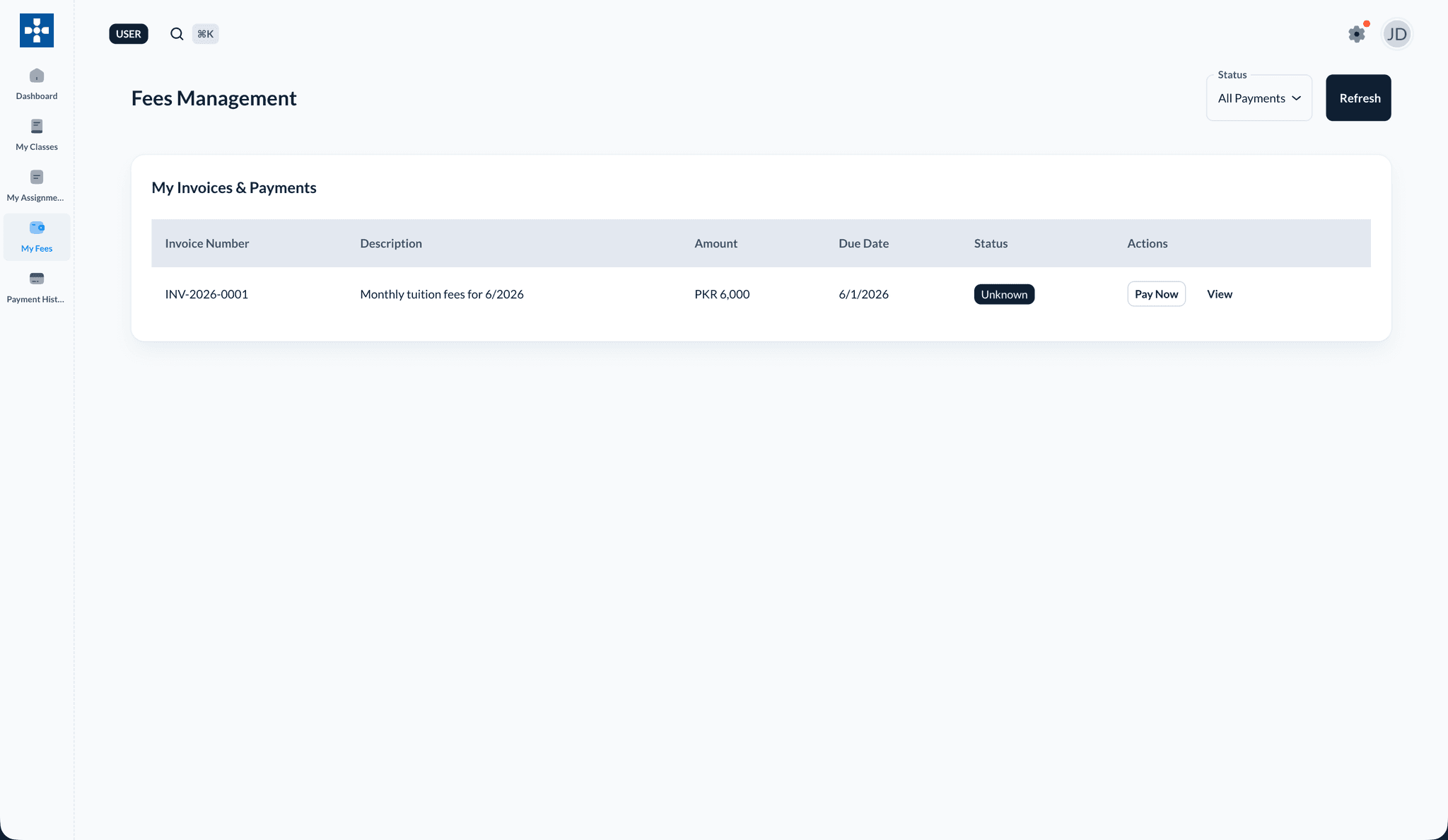
The My Fees and Payment History sections let you view invoices, pay tuition, and track payment status for your enrolled classes.
Overview
From My Fees you can:
- See invoices and payment status for your enrolled classes
- Pay online or via bank transfer
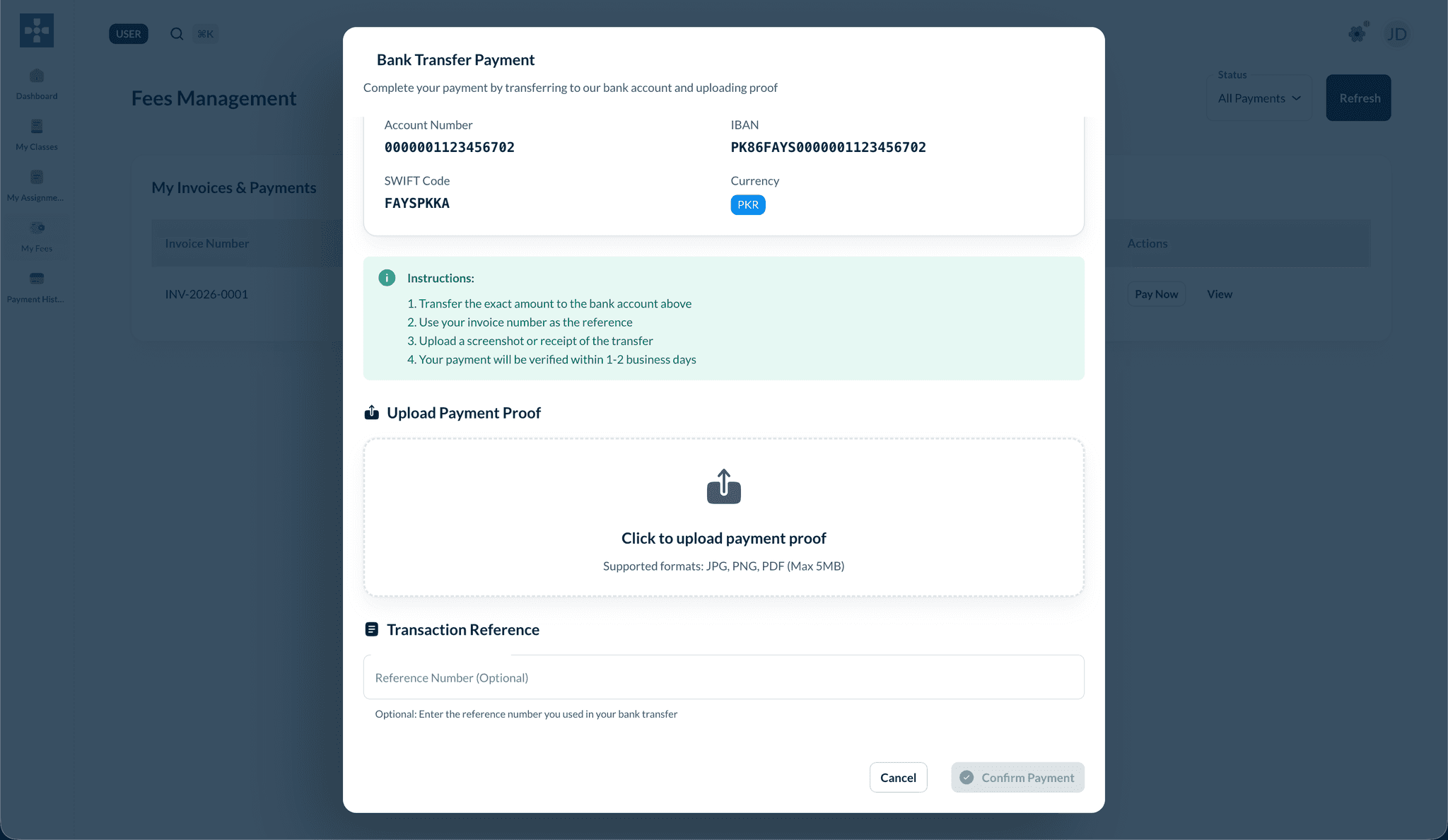
- Upload payment proof after a bank transfer
- Review past transactions in Payment History
Paying an invoice
- Open My Fees from the sidebar.
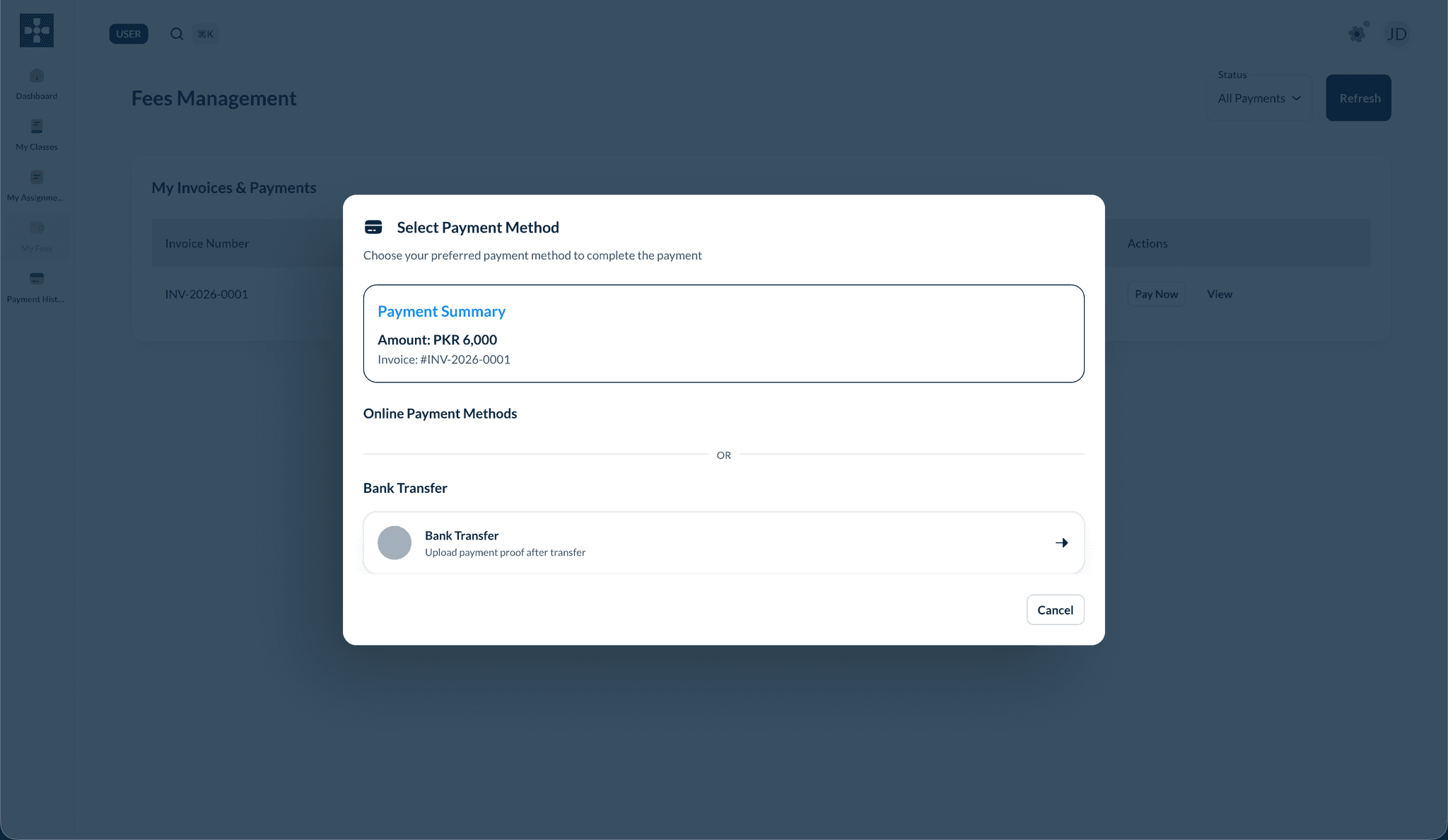
- Find the invoice and click Pay Now.
- Choose a payment method.
Bank transfer
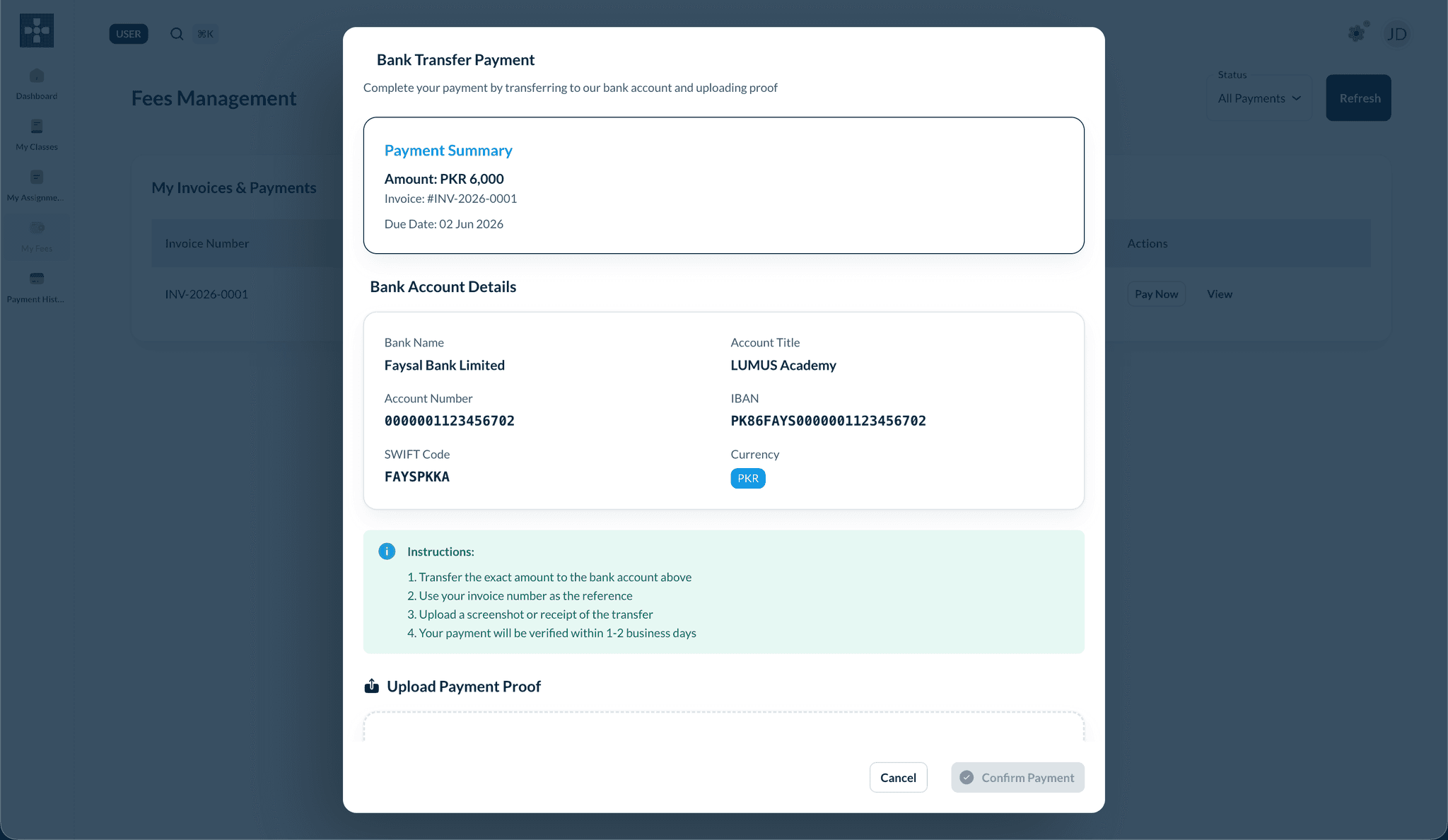
If you choose Bank Transfer, transfer the exact amount using the bank details shown, then upload your receipt.
Payment History
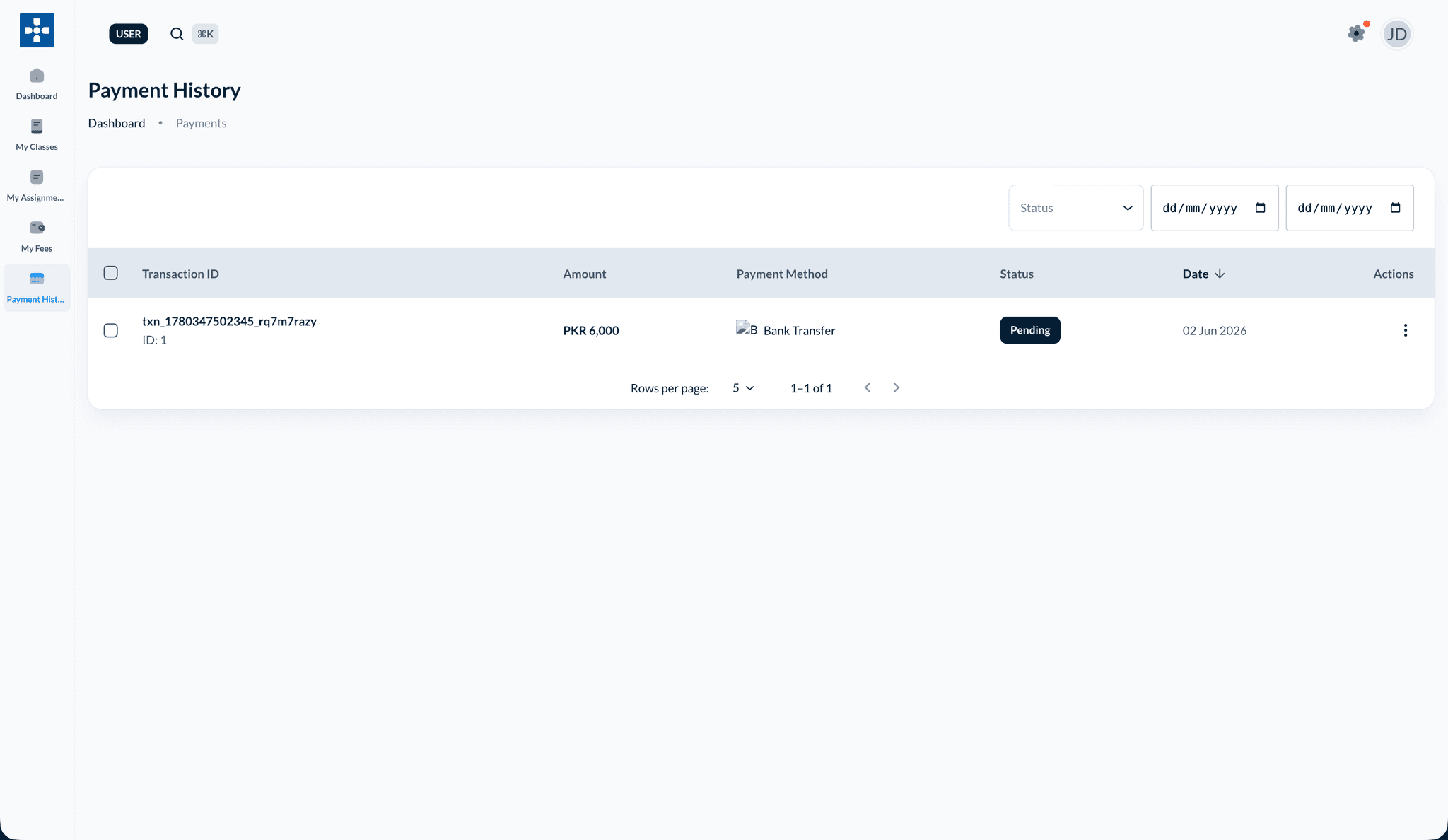
After submitting a payment, open Payment History to see the transaction status (for example, Pending while your school verifies the transfer).
Payments are usually managed by a parent
For many institutions, fees and invoices are handled through the parent account. If you have questions about a payment, check with your parent or your institution's administrator.